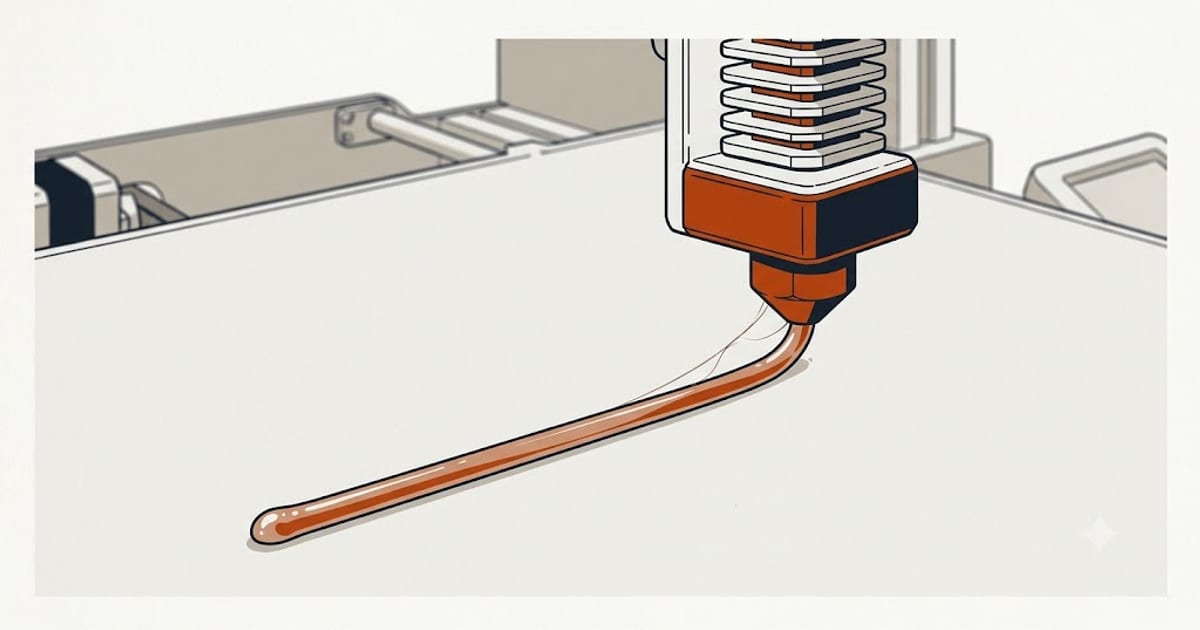
PETG gets described as "PLA that handles heat," which is true about the finished part and misleading about the printing. Four settings behave differently enough that a PLA profile with the temperature raised will usually produce a worse print than PLA did, and that is where most of the reputation comes from.
Here is what the manufacturers publish.
What the manufacturers publish
| Filament | Nozzle | Bed | Fan | Drying |
|---|---|---|---|---|
| Prusament PETG | 230–250 °C | 70–90 °C | 30–50 % | 65 °C / 6 h |
| Polymaker PolyLite PETG | 230–250 °C | 70–80 °C | low | 65 °C / 6 h |
| eSUN PETG | 230–250 °C | 75–90 °C | low | 65 °C / 6 h |
| Overture PETG | 230–250 °C | 70–80 °C | low | 65 °C / 6 h |
Two things stand out against the equivalent PLA table.
The nozzle range is narrower and higher. PLA spans 190–230 °C across brands; PETG lands in a 20-degree band around 240. There is less room to be wrong in either direction.
Every one of them publishes a drying schedule. For PLA, only half the brands bother. That is not a formatting choice — PETG absorbs moisture from the air faster, and the manufacturers know the filament will be wet by the time it matters.
The fan is the setting people get wrong
This is the big one. PLA wants 100% cooling. PETG does not, and running PLA's fan setting is the single most common cause of PETG parts that snap along a layer line.
PETG bonds to the layer below while it is still hot. Blast it with air and each layer sets before it has properly fused to its neighbor, giving you a part that looks fine and delaminates under load. Somewhere around 30–50% is the usual landing point, and some profiles run the first several layers with the fan entirely off.
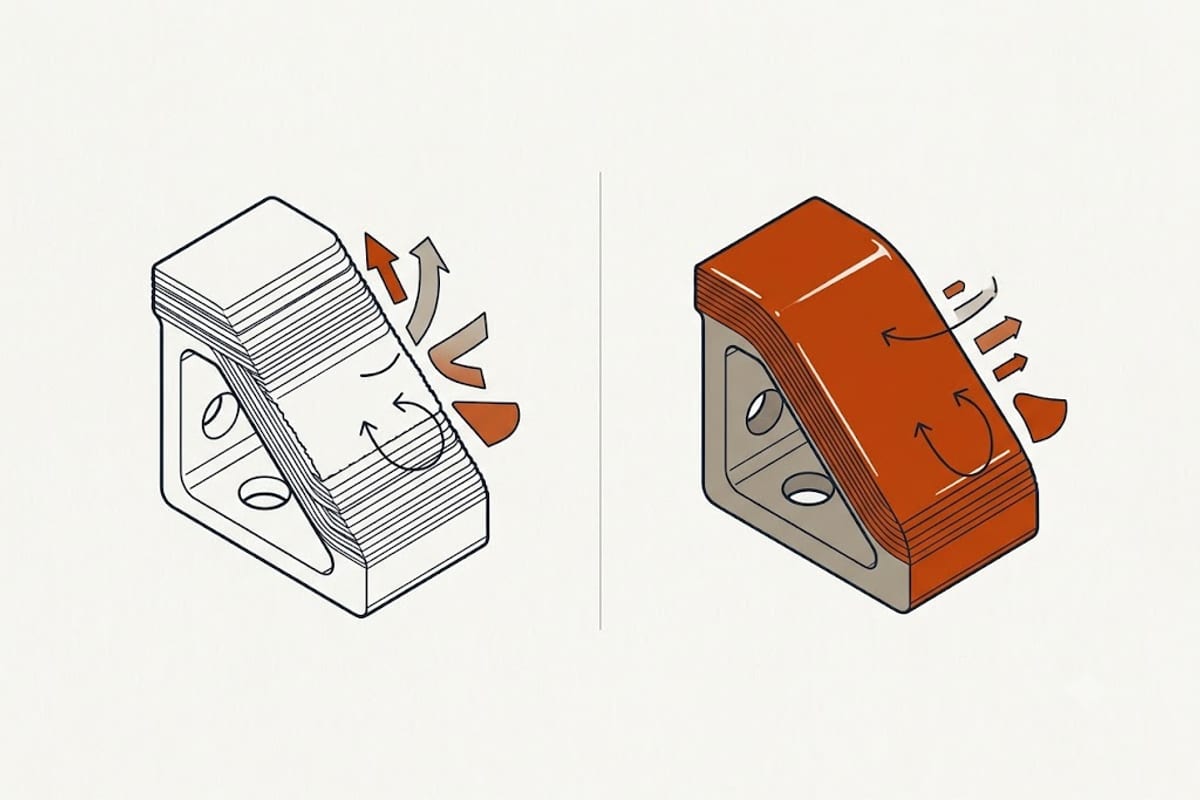
The trade-off is real: less cooling means worse overhangs and bridges. That is the deal PETG offers, and it cannot be optimized away — only balanced. If your overhangs sag, raise the fan a little and accept slightly weaker layers. If parts break along layers, lower it.
Bed adhesion is the opposite problem to PLA
With PLA the question is whether it will stick. With PETG the question is whether you will get it off, and whether the build sheet survives.
PETG bonds chemically to smooth PEI. Not "sticks well" — bonds. People pull up chips of their build surface with the part. The standard fixes are all about creating a release layer rather than an adhesion layer:
- A thin film of glue stick, used as a release agent rather than glue.
- A textured rather than smooth sheet.
- A first-layer Z-offset slightly higher than your PLA setting, so the plastic is placed rather than mashed in.
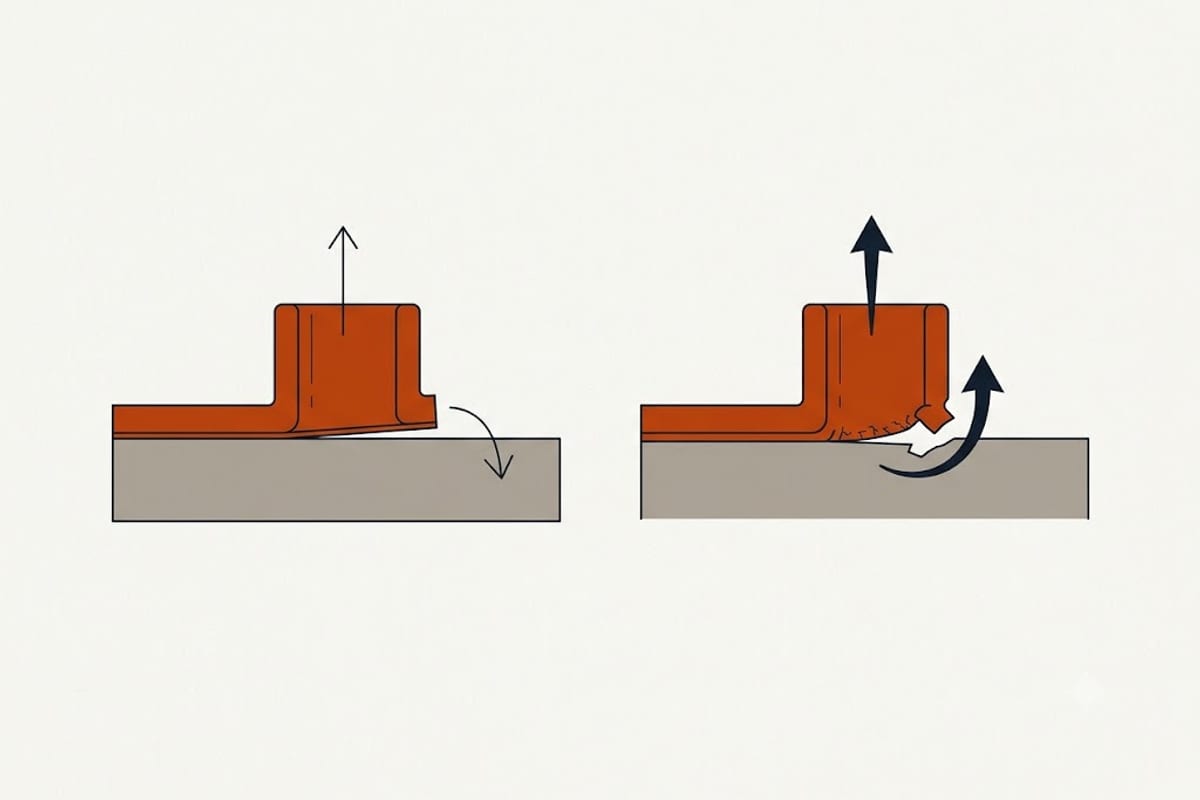
That last one is counter-intuitive and it is why "squish the first layer" advice imported from PLA causes damage here.
Stringing is chemistry, not just retraction
PETG strings more than PLA at the same settings, and it will still string after you have tuned retraction properly. The material is more fluid at print temperature and it wets the nozzle more.
Work in this order:
- Dry the filament. Wet PETG strings no matter what the retraction is set to. If you skip this you will tune retraction against a moving target — see how to dry filament.
- Drop the nozzle 5 °C at a time within the published range.
- Then adjust retraction distance, and only then speed.
Doing this in the reverse order is how people end up with an elaborate retraction profile that works for one spool and nothing else.
Print slower than you think
The published speeds for PETG are lower than PLA's, and the reason is the same as the fan: the plastic needs time in the melt zone and time to bond. Moving a PLA-speed profile onto PETG delivers less actual heat into the plastic, which shows up as weak layers rather than as anything obviously wrong on screen.
If you moved to a faster printer and your PETG got worse, nothing about the filament changed — the operating point did.
FAQ
What temperature should PETG print at?
Every major brand publishes 230–250 °C, which is unusually tight agreement. Start at 240 °C and adjust based on layer adhesion and stringing rather than starting from a number you found online.
Why is my PETG stringing so much?
Most often moisture. PETG absorbs water from the air quickly, and wet filament strings regardless of retraction settings. Dry the spool at 65 °C for six hours before changing anything else.
Why do my PETG parts break along the layers?
Too much part cooling, almost always. PETG needs the previous layer to still be hot when the next one lands. Reduce the fan to 30–50% and turn it off entirely for the first few layers.
Does PETG need a heated bed?
Yes. All four major brands publish 70–90 °C. Unlike PLA, there is no brand publishing a room-temperature figure.
Is PETG stronger than PLA?
Not in tensile strength — PLA usually tests higher. PETG is tougher: it bends and absorbs impact where PLA cracks. For a part that gets knocked or flexed, PETG wins; for a part that must not sag, PLA is stiffer. See PLA vs PETG.