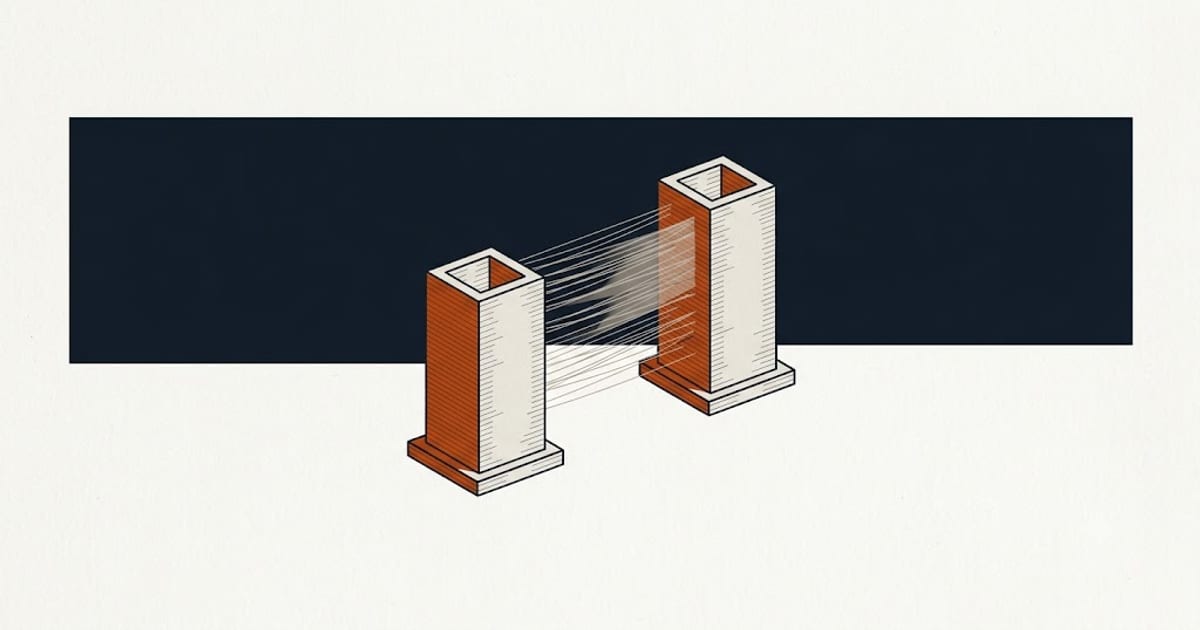
PETG strings more than PLA at equivalent settings. That is chemistry — it is more fluid at print temperature and wets the nozzle more readily.
But most severe stringing is not chemistry. It is water.
Work in this order
1. Dry the spool. 65 °C for six hours. Not optional, not last.
Absorbed moisture turns to steam in the melt zone and pushes molten plastic out of the nozzle during travel moves. No retraction setting prevents that, because retraction pulls filament back while steam pressure pushes plastic forward.
Tuning retraction on a wet spool produces a profile that works for that spool on that day and fails on the next. PETG absorbs moisture fast enough that every major brand publishes a drying schedule — see how to dry filament.
2. Lower the nozzle 5 °C within the published 230–250 °C range. Cooler plastic is less fluid and oozes less. Go down in steps and watch layer adhesion — too cool and parts delaminate, which is a worse problem than strings.
3. Then adjust retraction, and only then.
Retraction figures
| Extruder | Distance | Speed |
|---|---|---|
| Direct drive | 0.5–2 mm | 25–45 mm/s |
| Bowden | 4–7 mm | 25–45 mm/s |
The gap exists because a Bowden setup has a long tube between drive gear and nozzle, and the filament compresses inside it. Some of the retraction is absorbed by that compression before the tip sees anything.
More is not better. Excessive retraction pulls molten plastic up into the heat break where it cools and jams, and it grinds the filament surface where the drive gear grips.
Change one variable at a time. Print a retraction test tower and let it tell you, rather than changing three settings at once and not knowing which helped.
Settings that help after retraction
Travel speed. Faster travel gives ooze less time to form a strand. Often the single most effective change after drying.
Z-hop. Lifting the nozzle before travel stops it dragging through a forming string. Adds a little print time.
Coasting. Stops extrusion slightly before the end of a line, letting residual nozzle pressure finish it. Reduces the pressure available to ooze during the next travel.
Wipe. Moves the nozzle across the printed surface before travelling, leaving the ooze on the part where it belongs.
Strings that are not stringing
Two things get diagnosed as stringing and are not.
A partly clogged nozzle produces inconsistent extrusion that looks like fine strands. If flow is also uneven in solid areas, clear the nozzle first.
A worn or loose PTFE tube in a Bowden setup lets the filament move independently of the drive gear, so retraction never fully reaches the tip. Check the tube seats fully at both ends.
Accept some
A part with a few fine strands is normal for PETG and they brush off. Chasing absolute zero usually means a temperature so low that layers stop bonding.
The failure worth avoiding is weak parts, not hairy ones. Base settings are in PETG print settings.
FAQ
Why does PETG string so much?
Partly chemistry — it is more fluid than PLA at print temperature — and mostly moisture. PETG absorbs water from the air quickly and wet filament strings regardless of settings.
What retraction settings for PETG?
0.5–2 mm on direct drive, 4–7 mm on Bowden, at 25–45 mm/s. Tune only after drying the spool.
Will lowering the temperature stop stringing?
It helps, in 5 °C steps within the published range. Too low and layer adhesion fails, which is worse than strings.
Does Z-hop help with stringing?
It stops the nozzle dragging through forming strands, so the result is cleaner even when ooze still occurs.
Is some PETG stringing normal?
Yes. A few fine strands that brush off is normal. Eliminating them entirely usually costs layer strength.