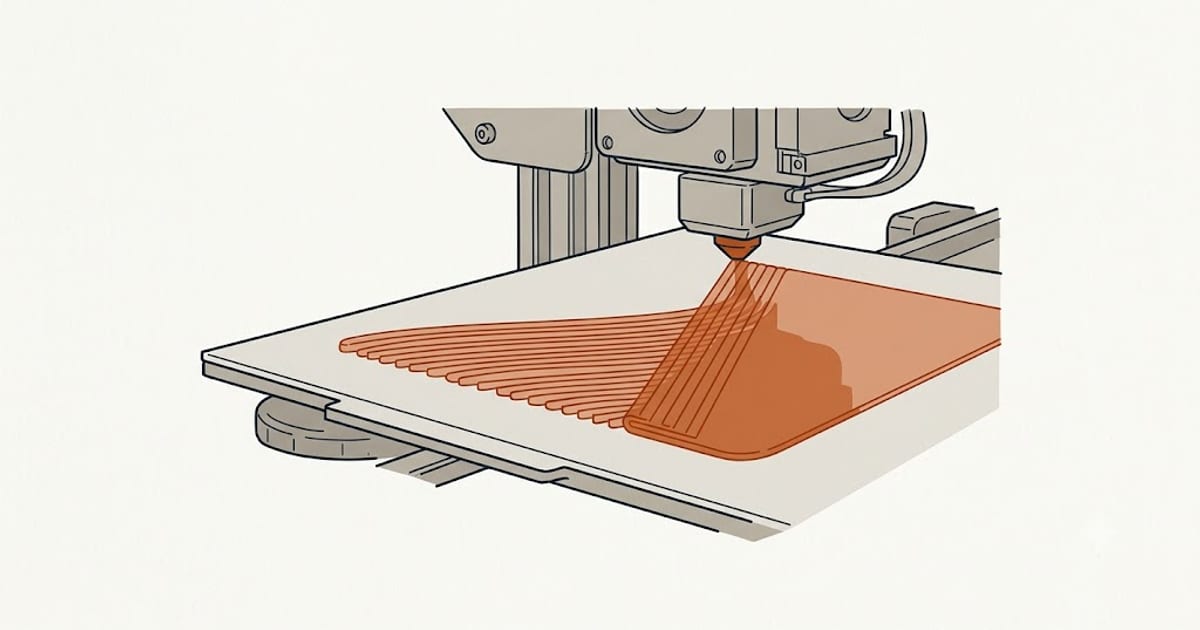
The first layer decides most prints, and for PETG the correct first layer is meaningfully different from PLA's.
Bed temperature
| Brand | Bed |
|---|---|
| Prusament PETG | 70–90 °C |
| Polymaker PolyLite PETG | 70–80 °C |
| eSUN PETG | 75–90 °C |
| Overture PETG | 70–80 °C |
Start at 80 °C and adjust. Unlike PLA, no brand publishes a room-temperature figure — a heated bed is not optional here.
Too cool and the first layer lifts at the corners. Too hot and the bottom surface distorts, with the lower layers spreading outward under the weight of the part above.
Less squish, not more
The PLA instinct is to press the first layer hard into the plate for adhesion. For PETG that is the wrong direction, and it causes damage.
PETG bonds chemically to smooth PEI. Squishing maximises the contact area and therefore the bond, and people pull chips out of their build surface removing the part — the full account is in PETG bed adhesion.
Set the first layer slightly higher than your PLA offset. Lines should be placed and merge with their neighbours, not flattened into a sheet. Adhesion will still be more than adequate.
Elephant's foot
Over-squishing and an over-hot bed together produce elephant's foot — the first few layers bulging outward, so the part is wider at the bottom.
It matters for anything that has to fit something else, since the bulge is exactly where a part meets a mating surface. Chamfering the bottom edge in the model hides it; fixing the Z-offset removes it.
PETG shows this more readily than PLA because it stays soft longer, so it is worth checking on a test print rather than discovering it on a part that must fit.
First layer speed and fan
Slower. 15–20 mm/s for the first layer. It gives the plastic time to wet the plate properly.
Fan off for the first several layers. This is the largest departure from PLA and it matters for the same reason as everywhere else in PETG printing: cooling the first layers reduces adhesion to the plate and bonding between those layers. Fan comes on gradually after the first few.
Full settings are in PETG print settings.
Plate preparation
Clean it. Isopropyl alcohol removes finger oils, which are the most common cause of a first layer that lifts in one spot and holds everywhere else.
Glue stick as a release agent, not as an adhesive. Thin and even.
Textured plates need slightly more squish than smooth ones, since the plastic has to reach into the texture. This is the one case where the PLA instinct is closer to correct.
Reading the first layer
Gaps between lines — too high, or under-extruding. Ridges where lines meet — too low, plastic squeezing upward. Glossy and completely flat — probably too low, and a candidate for elephant's foot. Lines merged with visible boundaries — correct.
Print a single-layer test square before a long PETG print. It costs three minutes and it is the difference between a twelve-hour print and a twelve-hour failure.
FAQ
What bed temperature for PETG?
70–90 °C depending on brand. Start at 80 °C. A heated bed is required — no manufacturer publishes a room-temperature figure.
Should the PETG first layer be squished like PLA?
No, less. PETG bonds chemically to smooth PEI, and squishing maximises that bond to the point of damaging the plate on removal.
What causes elephant's foot on PETG?
Over-squishing combined with an over-hot bed. The lower layers spread under the weight of the part above.
Should the fan be on for the first layer?
No. Keep it off for the first several layers, then bring it on gradually. Cooling early layers costs both plate adhesion and layer bonding.
How fast should the first layer print?
15–20 mm/s. Slower than PLA, to give the plastic time to wet the plate.