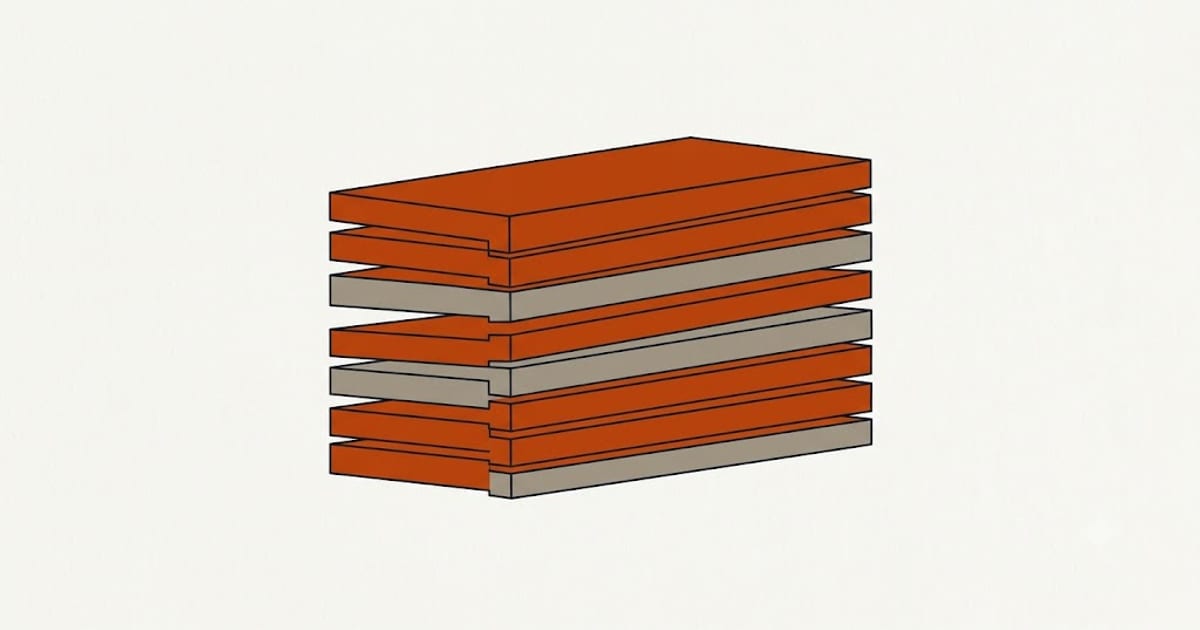
Layer adhesion is welding. Each new layer has to remelt the top of the one below and fuse with it, and anything that reduces the heat or the pressure at that interface weakens the bond.
A part that snaps cleanly along a layer line rather than tearing through the plastic has failed here.
1. Temperature too low
The most common cause and the easiest fix. PLA prints across a wide range, roughly 190 to 220°C, and the bottom of that range gives clean detail and weak parts.
Raise the nozzle temperature by 5°C and print the test again. Keep going in 5° steps until the surface finish starts to suffer, then step back one.
A temperature tower is the systematic version of this and it takes one print. Every filament is different, and the number on the spool is a range rather than a value — a change of brand or even of colour within a brand can move the sweet spot by 10°C.
2. Under-extrusion
If less plastic arrives than the slicer intended, there is not enough material to fuse. Causes, in order of frequency:
A partially clogged nozzle, which produces intermittent under-extrusion rather than a complete stop. Cold pulls usually reveal it.
Extruder tension too loose, so the drive gear slips on the filament. Look for chewed flat spots on the filament.
Flow rate calibrated wrong, or filament diameter set to nominal when the actual spool measures under.
Retraction set too aggressively, which pulls molten plastic away from the nozzle and takes a moment to recover on each restart.
The symptom that distinguishes under-extrusion from temperature is visible gaps between the extruded lines on a top surface. Weak layers with a solid, glossy top surface point at temperature instead.
3. Too much part cooling
PLA benefits from cooling more than any other common filament, which is why fans usually run at 100%. That same cooling works against layer bonding, because it chills the previous layer before the new one lands on it.
For parts where strength matters more than overhang quality, reduce the fan to 30 to 50%. For tall thin parts printed in a cold room, the effect is more pronounced still — the previous layer has had a long time to cool before the nozzle returns.
Draughts have the same effect and are harder to notice. A printer next to an open window prints differently from one in a still room.
4. Layer height too large for the nozzle
A layer taller than about 75% of the nozzle diameter leaves the extrusion sitting on the previous layer rather than being squashed into it. Pressure at the interface is part of what makes the weld.
With a 0.4 mm nozzle, 0.3 mm layers are at the limit and 0.2 mm is comfortable.
Speed, and why it is last
Printing faster gives less dwell time at the interface, and at extreme speeds it matters. On a typical machine at typical speeds it is a much smaller effect than the four above, and slowing down is often the change people make first because it feels like it should help.
Fix temperature and extrusion first. If the part is still weak, then reduce speed.
The strength that cannot be fixed
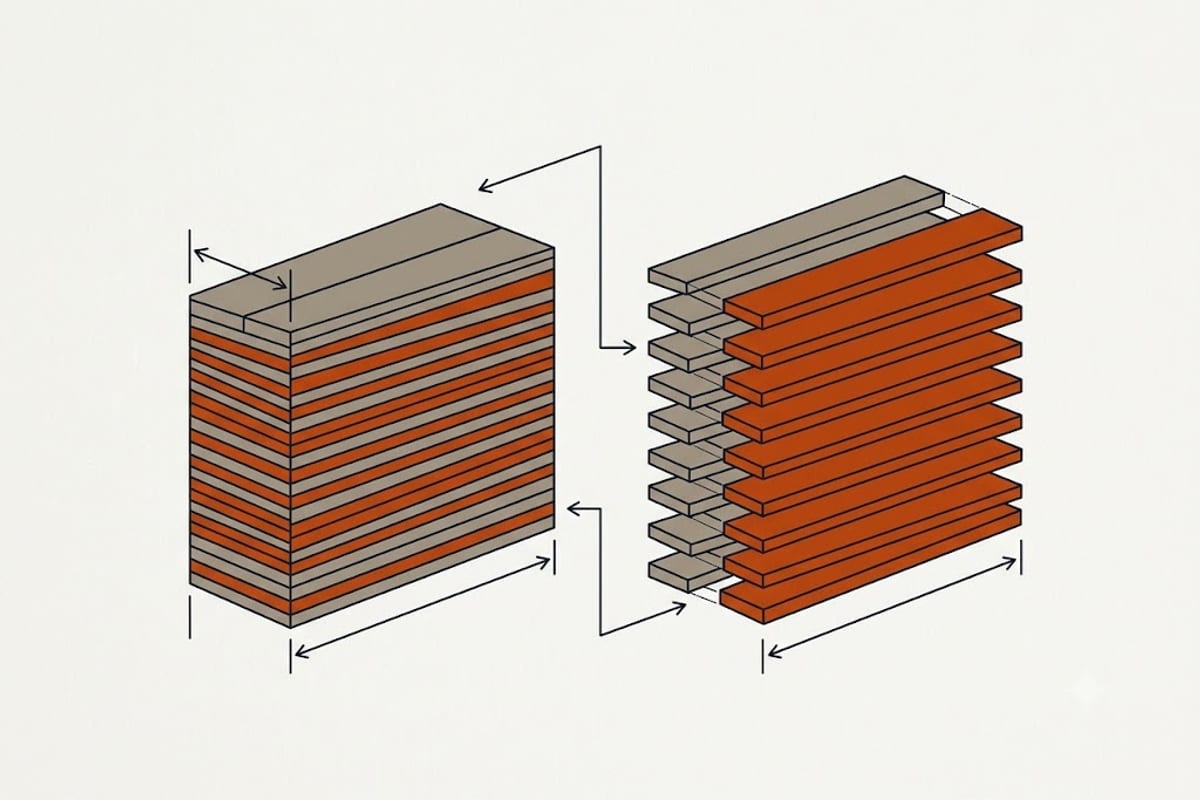
A printed part is anisotropic — considerably weaker across layers than along them, no matter how well tuned. Typical figures put cross-layer strength at roughly half the in-plane strength.
That is a property of the process rather than a settings problem, and the fix is orientation: place the part on the bed so that the expected load runs along the layers rather than across them. A bracket printed flat and the same bracket printed upright are different components.