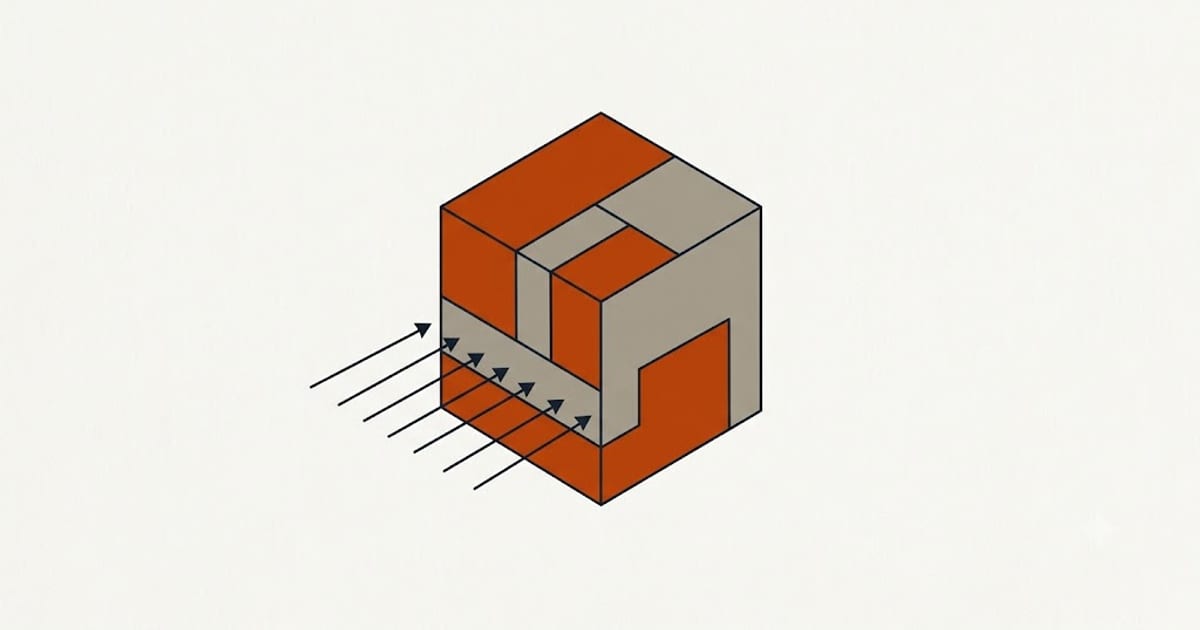
PLA solidifies quickly and benefits from being cooled immediately. That is why default profiles run the part fan at or near 100%, and why PLA produces cleaner overhangs than almost any other filament.
The same cooling weakens the bond between layers.
The trade
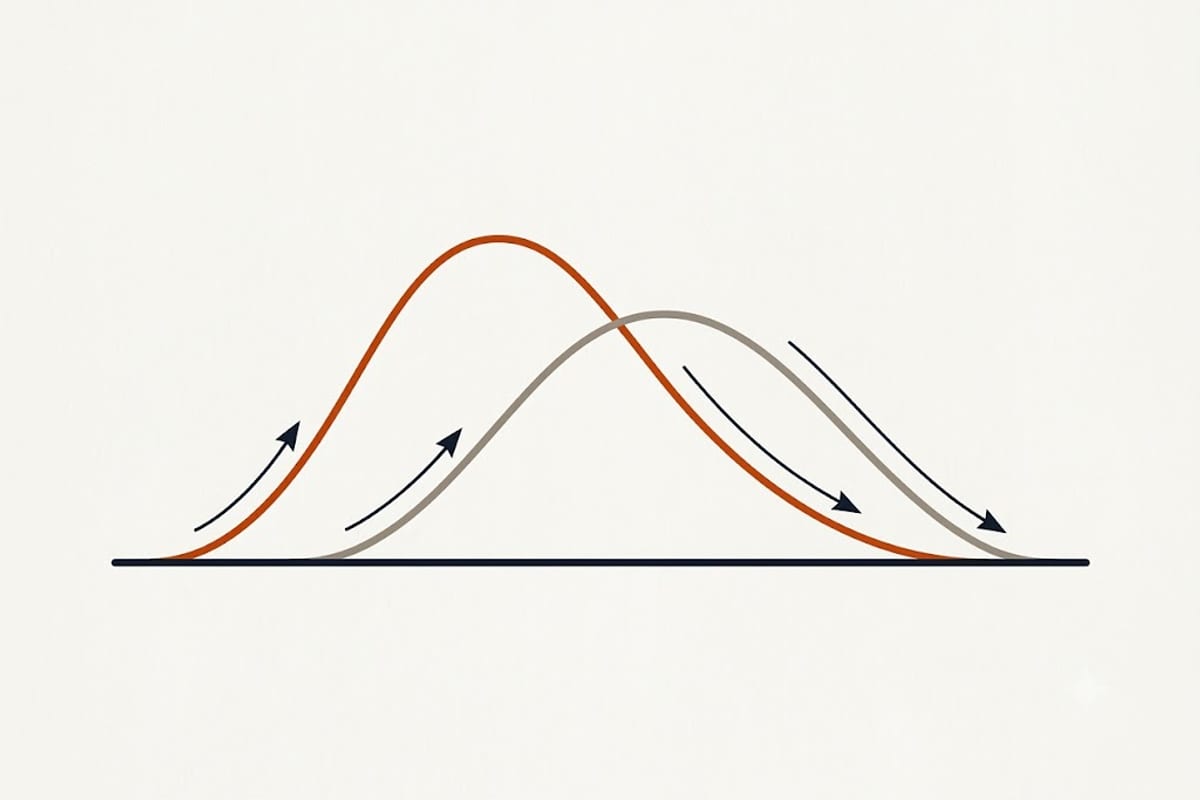
Cooling fast means each layer sets before it can sag — good overhangs, sharp corners, clean bridges, accurate small features.
Cooling fast also means the previous layer is cold when the next one lands on it, so less remelting happens at the interface and the weld is weaker.
There is no setting that maximises both. What there is, is a decision about which one this particular part needs.
Settings by purpose
Visual parts, miniatures, anything with overhangs — 100%. Detail is the point and strength is not.
Functional parts under load — 30 to 50%. Accept softer overhangs in exchange for layers that hold together.
Tall, thin parts — high cooling, and often a reduced layer time as well. Here the problem is the opposite: each layer is small, the nozzle returns quickly, and heat accumulates until the feature deforms.
Large flat parts — moderate. The nozzle takes a long time to return to any given point, so the layer has cooled anyway; extra fan buys nothing and costs adhesion.
The first layers are different
Fan off for the first one to three layers. Cooling the first layer works directly against bed adhesion, and warping starts at the corners of the first layer.
Most slicers do this by default. If a profile is warping and the first layer looks poorly stuck, check that this setting has not been overridden.
Minimum layer time
The other half of cooling. If a layer would take less than a set minimum — commonly 5 to 10 seconds — the slicer slows the print down so the layer has time to solidify.
This is what stops the tip of a cone or a thin spire from becoming a molten blob. It also makes small parts print far more slowly than their volume suggests, which surprises people.
Printing several copies of a small part at once solves this properly: the nozzle spends its time on the other copies while each one cools, and total time is barely more than for one.
Ducting matters more than fan power
A powerful fan blowing air past the part does nothing. The duct has to direct air at the extrusion point, evenly, from more than one side if possible.
Upgraded duct designs are among the most effective cheap modifications to a budget printer, and the improvement in overhangs is usually larger than any slicer setting change.
Check that the duct is not blowing on the nozzle itself, which causes temperature instability that the heater fights continuously.
Ambient temperature is a hidden variable
A profile tuned in a warm room behaves differently in a cold garage. In a cold room the part is already being cooled by the environment, and full fan on top of that is too much — parts crack and layers separate.
If prints that used to be fine start failing when the weather turns, ambient temperature is the first thing to look at, and enclosing the printer or dropping the fan are both reasonable responses.
Tuning it once
Print an overhang test at 100%, 50% and 0% fan, and a small tensile or snap test at the same three settings. Half an hour of printing produces two numbers you will use on every subsequent part, and they are specific to your machine, your duct and your room.